All your workers.
In one place.
Contractor requests, orders, documents and hours. Everything waiting on one screen, while workers do their part on their phones.
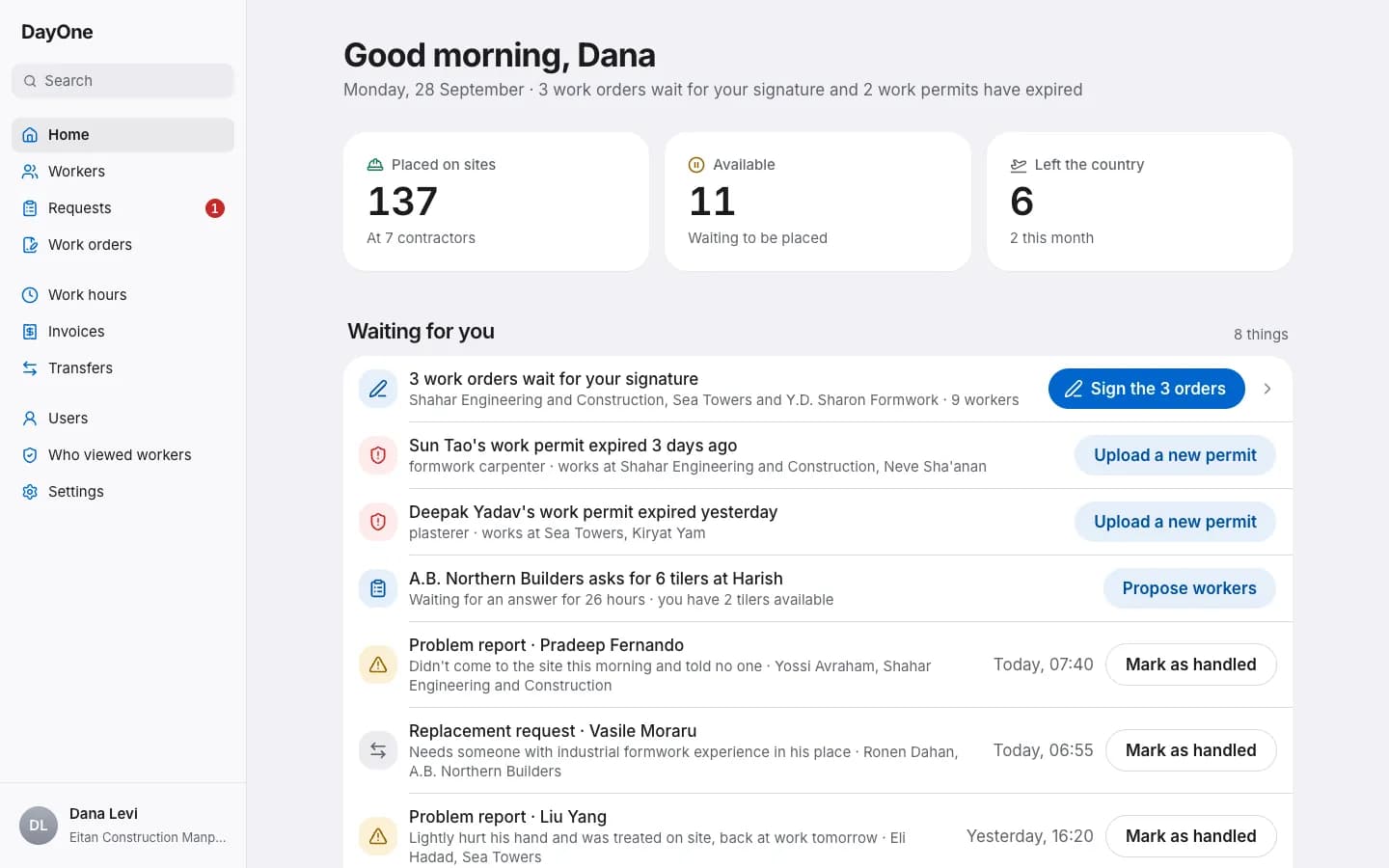
Who’s free tomorrow?
See it now.
Contractors you work with send a request with the trade, number of workers, site, date and price an hour. Propose workers from your list of free workers.
Example data. Choosing a candidate is not final placement: worker acceptance and signatures are required.
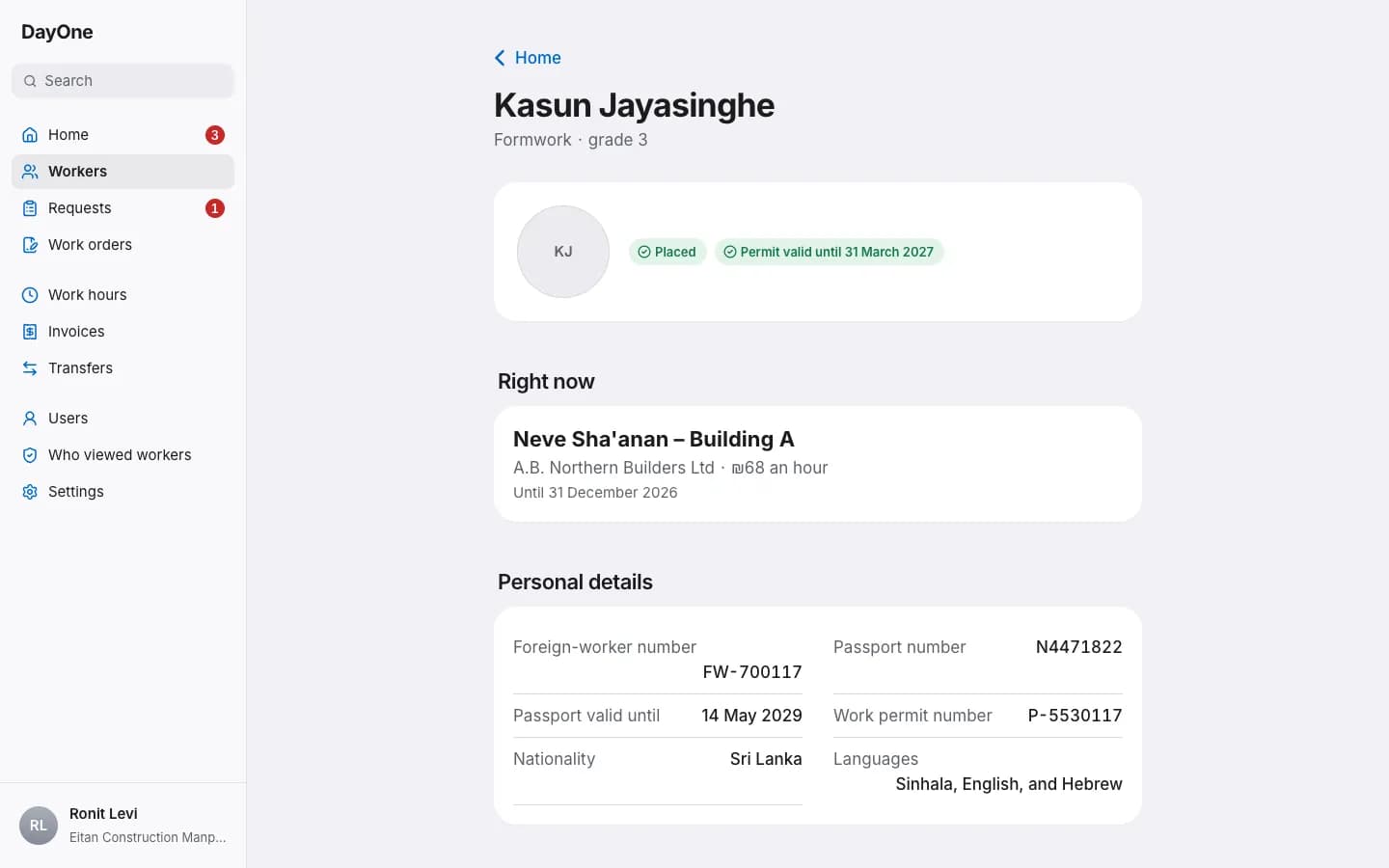
One record per worker.
No document hunt.
Details, documents and expiry dates stay together. Reminders use recorded dates and configured alert windows.
For corporations
Several orders.
One code.
After workers accept their offers, select eligible orders and sign them together with one code. The contractor then completes their signature.
Opens on your phone
Everything waiting in one place
Signatures verified by phone code
Field records saved without reception
Waiting for your signature
Sign together- Workers accepted
- Orders selected
- Corporation signed
Eligible orders. Contractor signatures still follow.
For workers and site managers
Clock in on your phone.
Even underground.
Attendance and day approvals are saved without reception and sent when the connection returns.
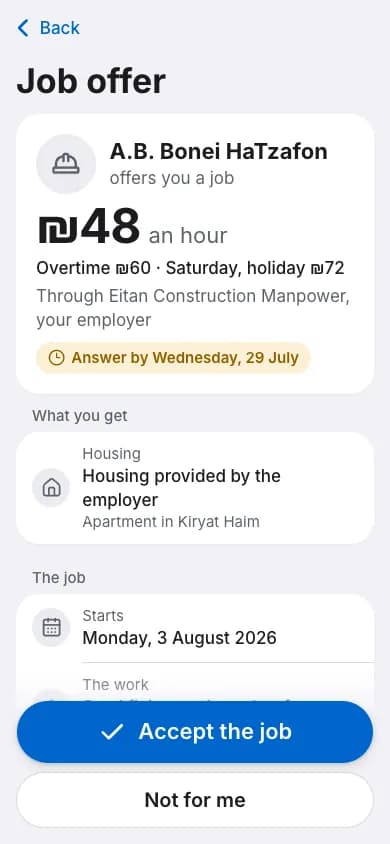
Accepts the job himself
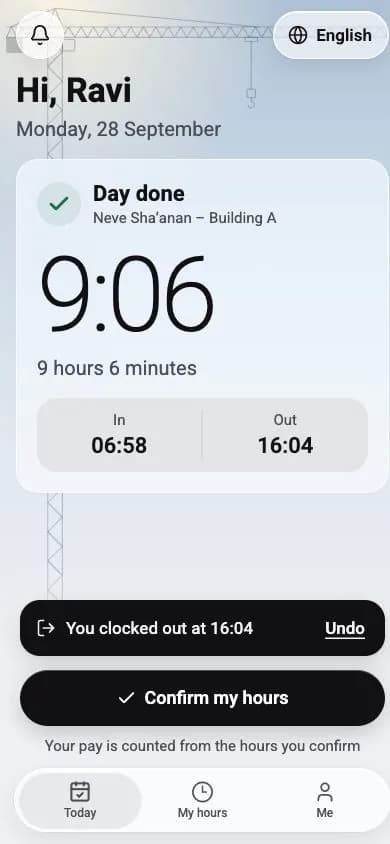
Clocks in and out with a tap
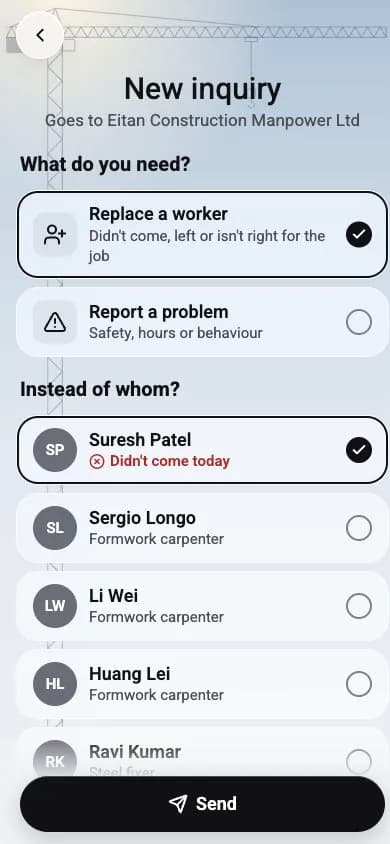
Requests a replacement on site
Pay for hours.
No guesswork.
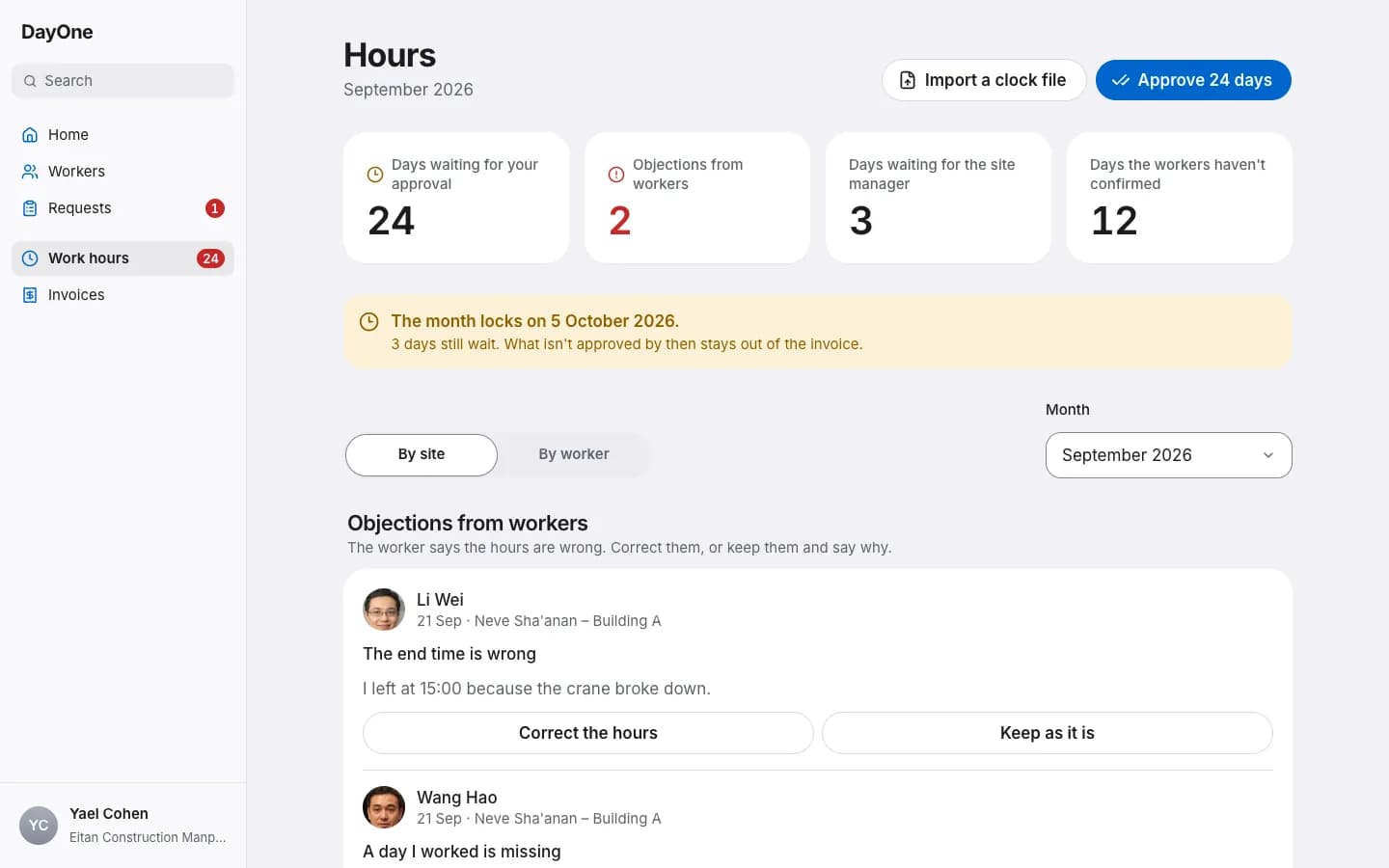
Hours are recorded on site and reviewed. The monthly account uses approved hours, with a breakdown for each day.
Worker
8 hours 36 minutes
Worked time, after the break
Site manager
06:58–16:04 · 8:36
The site manager checks and approves
Monthly invoice
Based on approved hours
After corporation approval. Review and dispute individual lines.
Illustration: saved on phone does not mean server approved. The corporation also approves days before the account.
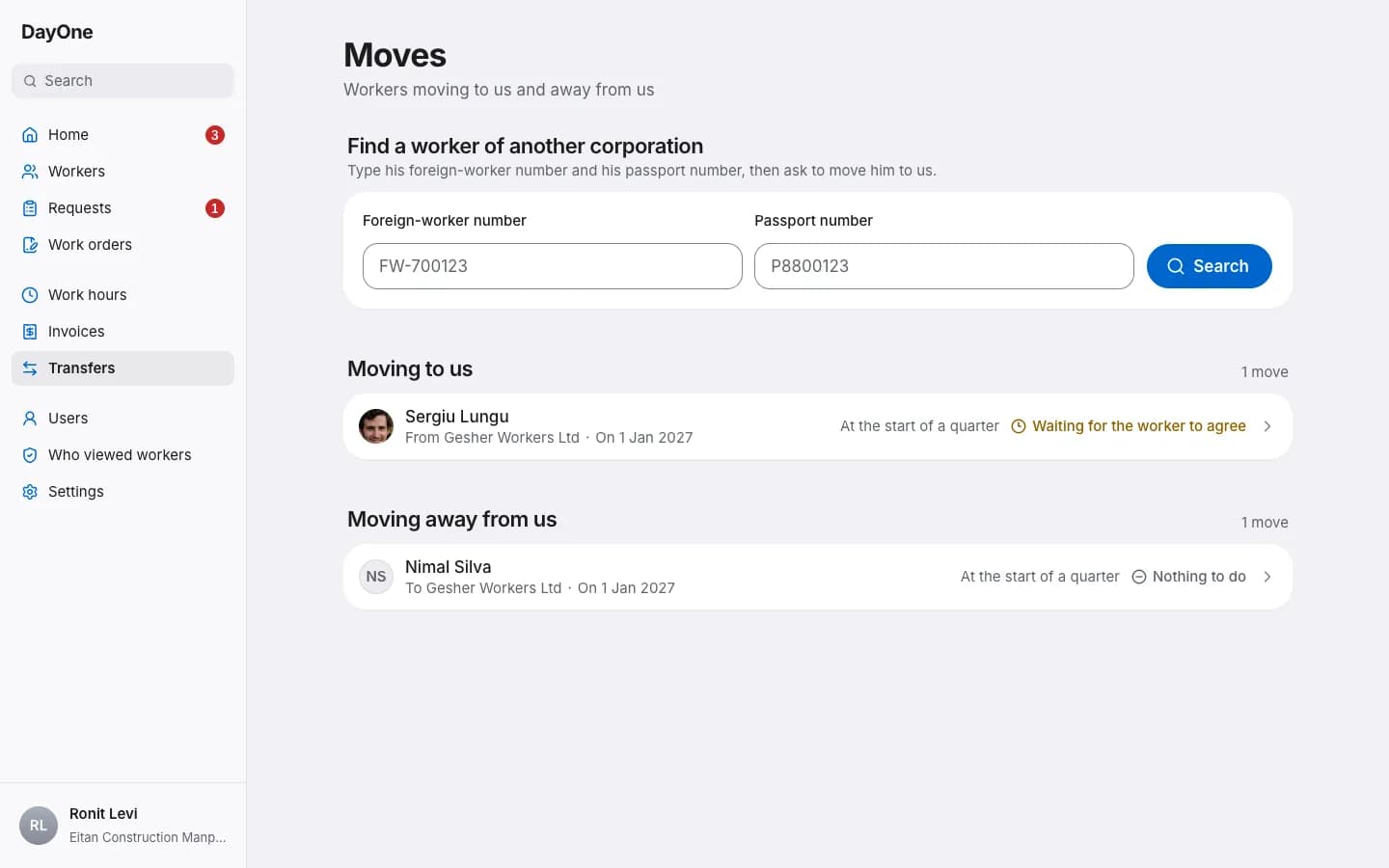
Moving corporations.
With the consents.
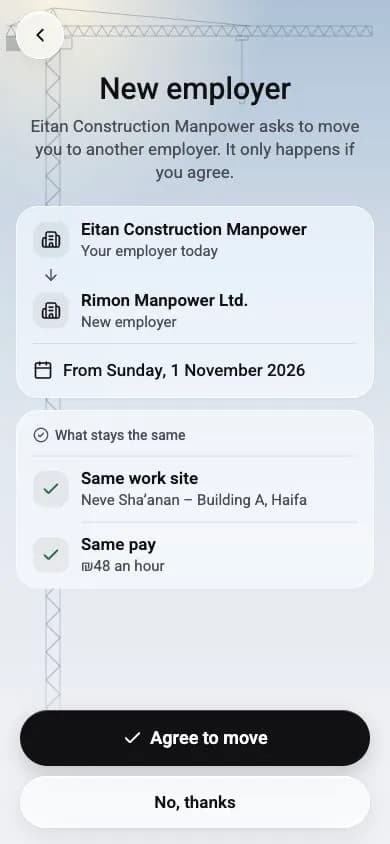
The worker agrees on their phone. Further consents depend on the transfer date. When the transfer is ready, authority forms are ready to print.
A few more things that keep order
The idle list
Who is waiting for a placement, for how long and what the wait costs, with a file to download.
A time clock file
A time clock on the site? Import its file, and the hours land in the same place.
Your workers' details stay with you
Contractors see trade, experience and price, not private details, and one list shows who viewed your workers.
What people say on site.
I used to search through messages to work out who was going to which site. Here, the request, candidates and work order stay together.
Contractor manager
Ofek Construction
I can see what’s waiting: available workers, orders to sign and documents nearing expiry. It brings the whole day together.
Corporation coordinator
Gefen Manpower Corporation
On site, I need to see who arrived and mark the day. Without reception, the record stays on my phone and I can keep working.
Site manager
Nahal Construction
Start with your corporation
Register your corporation, DayOne checks and approves it, and you add your workers.